Create a business account
Last updated 5 months ago
Summary
This guide walks you through creating a business account on Reah. A business account is the starting point for using Reah — it creates the business entity your team uses for onchain finance, treasury activity, approvals, and other financial operations.
Before you start
- No prerequisites — any business can create an account
- No KYB is required to create the account (KYB is needed later only for global business banking and corporate cards)
- Visit platform.reah.com to begin
Steps
- Go to platform.reah.com — Open platform.reah.com in your browser to access the signup page.
- Choose your signup method — You can sign in with Google, enter your email to create an account, or import an existing Safe wallet to create an account.
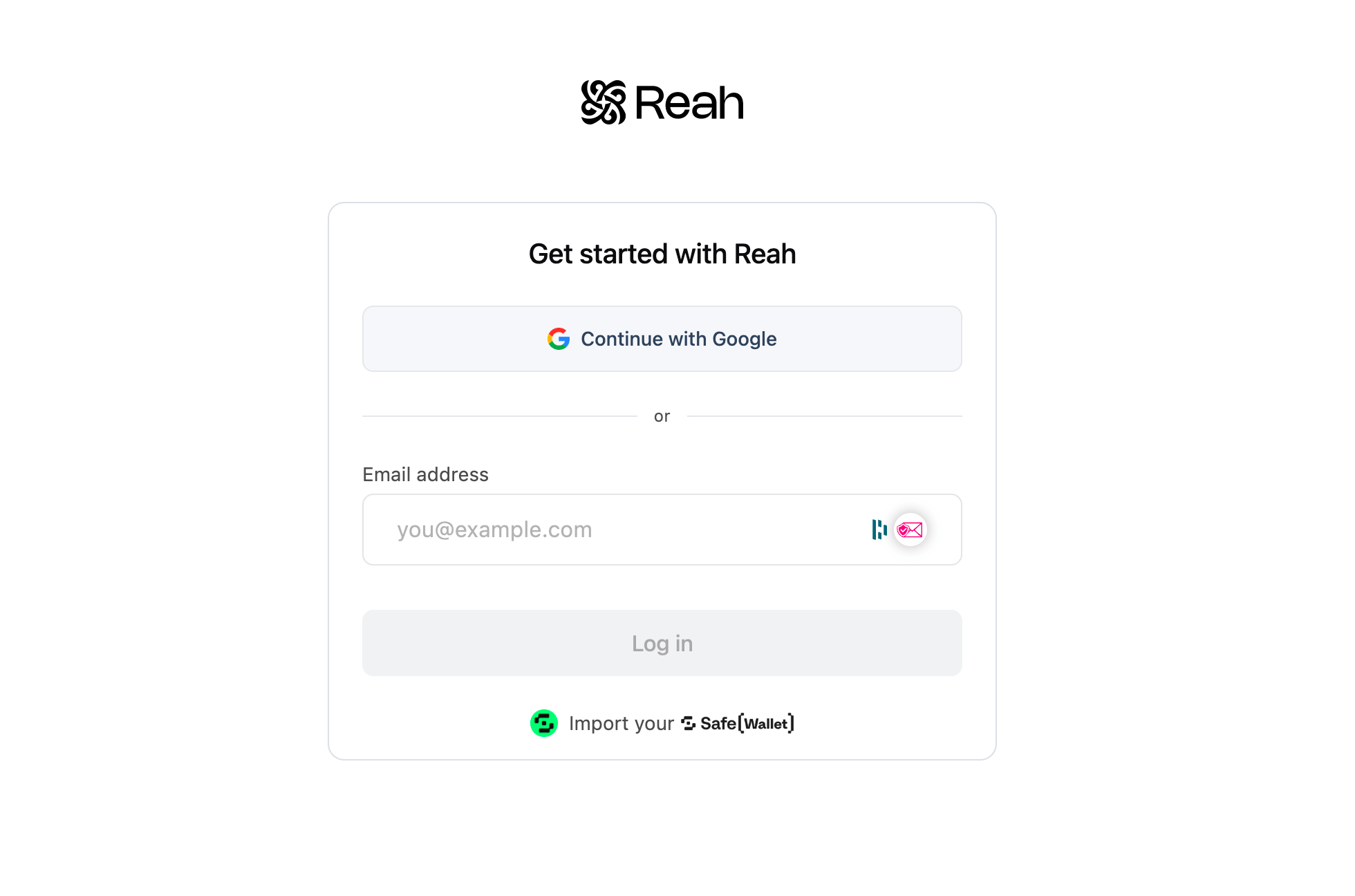
- Add your business details — Enter your business name and optionally upload your company logo.
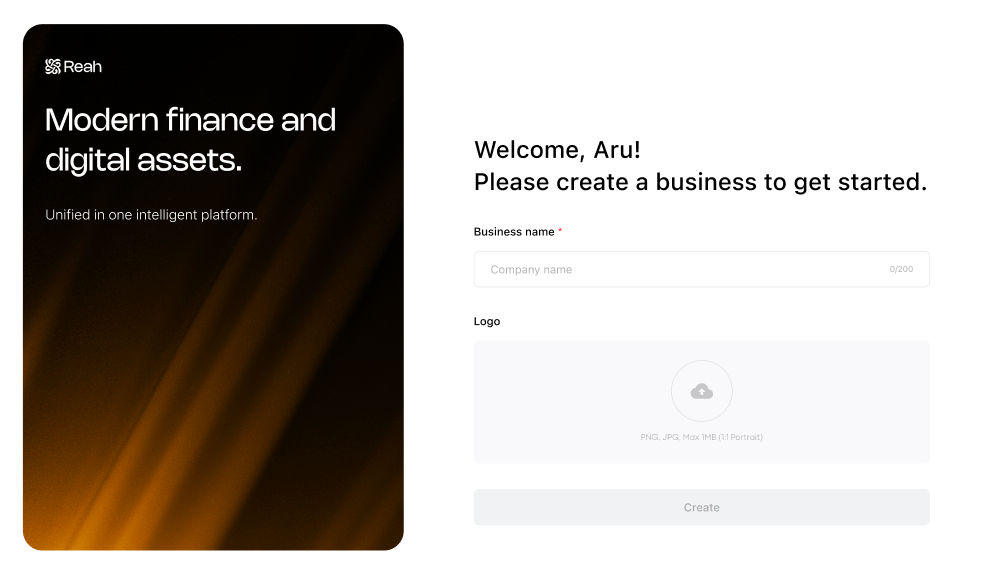
- Create the account — Confirm your details and create the business entity.
Notes & edge cases
- After creating the account, you will be prompted to start KYB. This is skippable and can be restarted later from Overview → Tasks → KYB.
- Before completing KYB, you can still:
- Access the Reah workspace
- Use the non-custodial wallet for onchain finance workflows
- Import an existing Safe wallet
- Access treasury workflows, including treasury yield products
- KYB is required only for global business banking and corporate cards. All other features are available immediately.
What you can do next
Still need help?
Reach out to Reah Support through the in-app chat or visit support.reah.com for more assistance.
Was this helpful?
Still need help? Ask the team